Step-by-step PRC board exam application on LERIS, from PRC's October 2026 manual: account, photo, exam choice, appointment, payment, and your NOA.

Mariano Luiz King
Published November 6, 2026 · Updated November 9, 2026
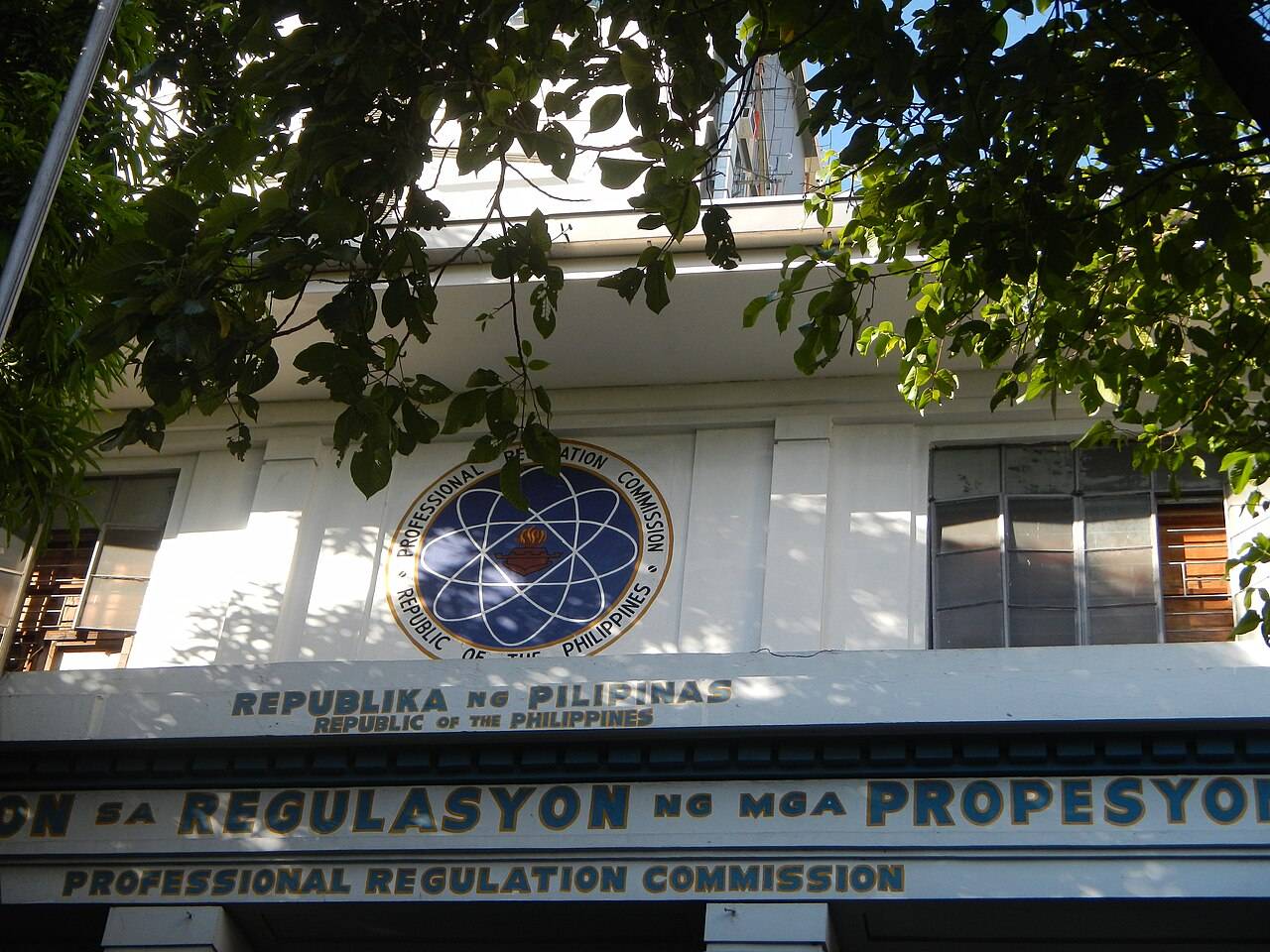
You apply for any PRC board exam through LERIS (Licensure Examination and Registration Information System), PRC's online portal at online.prc.gov.ph. You make an account, fill in your details, pick your exam, set an appointment, and pay. First-timers then bring their documents to a PRC office to get their Notice of Admission (NOA). This post walks through every step using PRC's own LERIS manual (version 8, October 2026).
After reading this, you can file your PRC board exam application in one sitting, without a wasted trip to the PRC office.
The steps below follow PRC's official "Online Step by Step Manual" (v8), dated October 15, 2026, plus PRC's List of Requirements page and FAQ, all checked in November 2026. Where they disagree, I go with the newer manual.
PRC's manual asks for these before you create an account:
Also get your documents ready now, since you'll bring them to your appointment. PRC's basic list is:
That last one isn't on PRC's older FAQ, but its current List of Requirements includes it for many professions. Among the exams on prepPH (the review app I built, so I'm biased), it's listed for Accountancy, Architecture, Chemical Engineering, Mechanical Engineering, Nutrition and Dietetics, Psychology, and Psychometrician. Your board can add more, so check your profession on the List of Requirements page.
The TOR is the slowest document. Ask your registrar early and say it's for the board exam so they add the right remark.
Go to online.prc.gov.ph, read the terms of service, and register. You'll enter:
PRC says the password must be at least 6 characters and mix letters, numbers, and special characters.
Type your name exactly as it appears on your PSA birth certificate. LERIS has a separate petition process for correcting entries, so it's easier to get it right the first time.
Log in with your email and password. PRC sends an OTP to your email. Copy it into the page and click verify.
If you forget your password later, the "Forgot Password" tab also works by OTP.
This is the longest form. It asks for:
Save it when you're done. The school and course must match your TOR.
Read PRC's photo requirements on the page first, then upload your .jpg. You can zoom to frame it before confirming.
PRC's FAQ describes the printed photos it asks for as passport size, white background, with a complete name tag. Use the same style for the upload to be safe.
Click the transaction button, open the Examination tab, then select:
PRC sets the dates and filing deadlines in its yearly schedule of licensure exams. Its FAQ points you to that schedule for deadlines, so check it before you start.
Pick your preferred PRC Regional Office for document submission, then choose how to pay. The manual lists:
Most exams that require a bachelor's degree cost ₱900. The full list is in how much the PRC board exam costs.
You can change your appointment date later. The manual has a "select a new appointment date" option, where you pick the new date and give a reason.
Go to Existing Transactions, open the payment details, and print the document. Then go to the PRC office you chose, on your appointment date, and submit your documents.
PRC's FAQ says this is where you get your Notice of Admission. Your NOA is what lets you into the exam, so keep it safe.
Repeaters go through a slightly different flow in the manual:
For some professions, repeaters don't have to file in person at all. For example, PRC's page says Nutrition and Dietetics repeaters skip personal filing if they took the exam from April 2012 onward, use the exact same name, and are taking the same exam for the same course. If you're planning a retake, see what happens if you fail the board exam.
These are the issues PRC's own documents warn about or build fixes for:
For technical problems with LERIS, the manual says to contact PRC through crms.prc.gov.ph. For LANDBANK payment issues, it lists customercare@mail.landbank.com.
PRC's FAQ says to be at the testing center before 7:00 AM and to bring:
Room assignments are posted on the PRC website at least two days before the exam.
If your exam allows a calculator, check the model against PRC's list of allowed calculators. The Casio fx-991ES Plus is banned. For exam months and filing windows, see the PRC board exam schedule.
LERIS looks long, but it's a form, a photo, a choice of exam, and a payment. The real delays happen offline: getting a TOR with the right remark, an NBI clearance, and a PSA copy. Get those three first, then do the online part in one sitting and book the earliest appointment you can.
Once you're filed, put your energy into reviewing. Start with your exam's official coverage, like the CPA, ECE, or MedTech boards, and read how to review for the PRC board exam.
LERIS is PRC's Licensure Examination and Registration Information System, the online portal at online.prc.gov.ph. You use it to apply for exams, register after passing, and renew your PRC ID.
Partly. You fill in, schedule, and pay online. First-timers still submit their documents at a PRC office to get their Notice of Admission. Some repeaters can finish online, depending on their profession.
A TOR with the "For Board Examination Purposes" remark, a PSA birth certificate, and for many exams, a valid NBI clearance. Married women also need a PSA marriage certificate. Your board may ask for more.
LERIS accepts LANDBANK (iAccess), PayMaya, and card payments. You can also choose PRC Cashier and pay in person at your appointment.
PRC's manual says about 7 working days.
Practice for your exam with the free board exam reviewers.